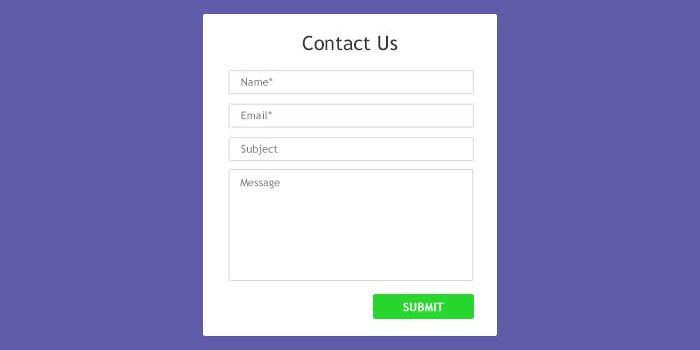

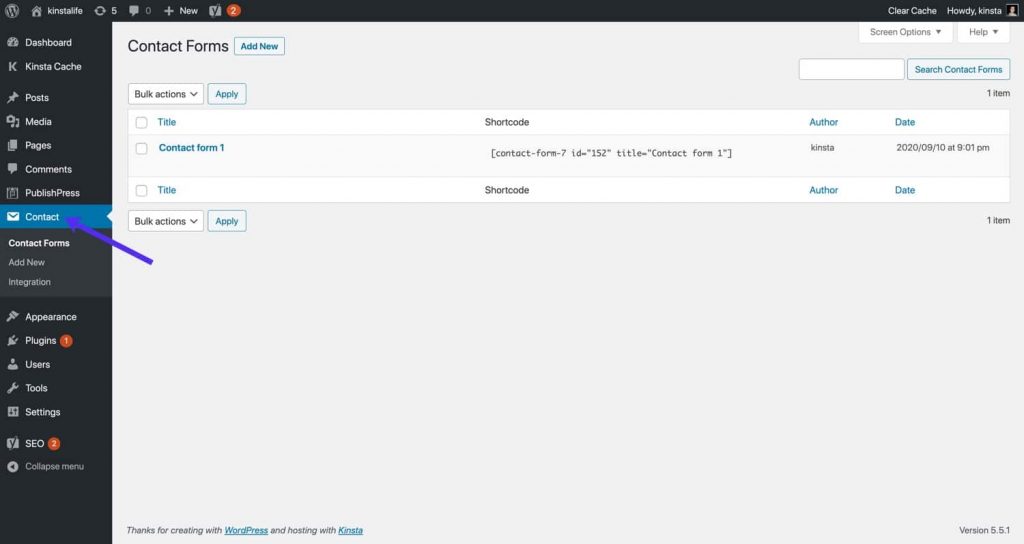

Log in to the WordPress Admin Dashboard, go to Plugins → Add New and then type “Contact Form 7” in the search box. Once find, install and activate the plugin by clicking on Install → Activate. To display a form, open Contact → Contact Forms at your WordPress dashboard
In your WordPress dashboard, go to Appearance » Widgets and navigate to the WPForms widget. Then, drag the widget to the sidebar area on the right-hand side of the page. Add the title for your widget and select your form from the drop down menu and click the Save button. That’s it!